Tutorials
How to Create a QR Code for a Digital Menu: A Complete Guide for Restaurants
Learn how to create a QR code for a digital restaurant menu. Discover where to host your menu using Google Drive, Google Sites, Canva, or your own website, how to generate and customize your QR code, and practical tips to make menu access easier, faster, and more convenient for your customers.
📑 Table of Contents
- Create Your Digital Menu QR Code
- 1. What Is a QR Code Digital Menu?
- 2. Why Should Restaurants Use QR Code Menus?
- Easier Menu Updates
- Lower Printing Costs
- Better Customer Convenience
- Contactless Menu Access
- More Flexible Menu Presentation
- 3. Where Can You Host Your Digital Menu?
- 3.1. Google Drive
- 3.2. Google Sites
- 3.3. Canva
- 3.4. Your Own Website
- 3.5. Digital Menu Platforms
- Which Hosting Option Should You Choose?
- 4. How to Create a QR Code for a Digital Menu
- Step 1: Create Your Digital Menu
- Step 2: Copy the Menu URL
- Step 3: Generate the QR Code
- Create Your Digital Menu QR Code
- Step 4: Customize Your QR Code
- Step 5: Download and Test the QR Code
- Step 6: Print and Display It
- 5. Static vs. Dynamic QR Codes: Which Is Better for Restaurant Menus?
- Static QR Codes
- Dynamic QR Codes
- Which One Should You Choose?
- 6. Best Practices for Using QR Codes in Restaurants
- Use a Clear Instruction
- Make It Easy to Scan
- Choose an Appropriate Size
- Keep the Menu Mobile-Friendly
- Provide an Alternative
- Check the QR Code Regularly
- Protect Your Customers
- 7. Common Mistakes to Avoid
- 8. Frequently Asked Questions (FAQ)
- Can I create a QR code for a PDF menu?
- Do customers need an application to scan a QR code?
- Can I change my menu without creating a new QR code?
- Can I use the same QR code for every table?
- Are QR code menus free?
- Do QR codes expire?
- Can I update my restaurant menu after printing the QR code?
- Conclusion
- Create Your Digital Menu QR Code
How to Create a QR Code for a Digital Menu: A Complete Guide for Restaurants
QR codes have become an increasingly popular solution for restaurants, cafés, bars, and other food businesses looking to modernize the way they serve their customers. Instead of handing out traditional printed menus, businesses can use QR codes to let customers access their menus directly from their smartphones.
A digital menu is convenient, easy to update, and can help reduce printing costs. Best of all, customers don't need to install an application or create an account. They simply scan a QR code with their smartphone camera and open the menu.
In this guide, you'll learn how to create a QR code for a digital menu, where to host your menu online, how to generate your QR code, and what to consider to provide a better experience for your customers.
Create Your Digital Menu QR Code
Ready to create a QR code for your restaurant menu? Use our free online QR Code Generator to create your code in just a few seconds.
Generate Your QR Code – Free1. What Is a QR Code Digital Menu?
A QR code digital menu is an online menu that customers can access by scanning a QR code with their smartphones.
The QR code typically contains a link to a webpage, PDF document, or digital menu platform where customers can browse available dishes, drinks, prices, and other information.
Imagine a customer sitting at a restaurant table. Instead of waiting for a printed menu, they can scan a small QR code displayed on the table and immediately view the restaurant's menu.
This approach makes the ordering experience more convenient while giving restaurant owners greater flexibility when managing their menus.
2. Why Should Restaurants Use QR Code Menus?
Digital menus offer several advantages for businesses of different sizes.
Easier Menu Updates
One of the biggest advantages of digital menus is the ability to update information without printing new menus.
If a restaurant changes its prices, introduces a new dish, or temporarily removes an item, the digital menu can be updated online. When the QR code points to the same address, customers will automatically access the updated version.
Lower Printing Costs
Traditional menus may need to be reprinted whenever prices or products change. With a digital menu, restaurants can reduce printing expenses and avoid replacing physical menus every time an update is necessary.
Better Customer Convenience
Customers can access the menu directly from their smartphones without waiting for staff assistance. They can browse available options, read descriptions, and check prices at their own pace.
Contactless Menu Access
QR codes allow customers to view menus without sharing physical menus between different tables. This can also simplify restaurant operations and make menu distribution more efficient.
More Flexible Menu Presentation
A digital menu can include:
- Food and beverage descriptions.
- Product photographs.
- Prices and special offers.
- Allergen and dietary information.
- Daily specials.
- Links to online ordering systems.
- Restaurant contact information and opening hours.
The possibilities depend on the digital menu platform being used.
3. Where Can You Host Your Digital Menu?
Before generating your QR code, you need to decide where your digital menu will be hosted.
A QR code does not normally store the entire menu. Instead, it contains information that directs customers to an online destination. This means your menu must be stored somewhere accessible through the internet.
Fortunately, you don't need to own a website to create a digital menu. There are several hosting options, depending on your budget, technical knowledge, and business needs.
3.1. Google Drive
Google Drive is one of the simplest options for restaurants that want to share a PDF menu.
You can upload your menu as a PDF, configure its sharing permissions so anyone with the link can view it, and use that link to generate your QR code.
Advantages:
- Free storage within the available account quota.
- Easy to upload and replace files.
- No website development required.
- Simple sharing and access management.
Disadvantages:
- The viewing experience may not look like a professional restaurant website.
- Customers may encounter additional interface elements.
- Sharing permissions must be configured correctly.
Best for: Small restaurants, cafés, and businesses looking for a quick and inexpensive solution.
3.2. Google Sites
Google Sites allows you to create a simple website without programming knowledge.
You can build a dedicated menu page containing categories, descriptions, prices, photographs, and contact information.
Once published, the website provides a URL that can be linked to your QR code.
Advantages:
- Free website creation.
- No programming skills required.
- Supports text, images, and embedded content.
- More flexibility than simply sharing a PDF.
Disadvantages:
- Limited design customization.
- Fewer advanced restaurant-specific features.
- Requires publishing and maintaining a website.
Best for: Restaurants that want a simple online menu with a more organized presentation.
3.3. Canva
Canva can be used to design visually appealing digital menus.
You can create a menu using ready-made templates, export it as a PDF, and upload the file to a publicly accessible hosting service. Alternatively, you can use Canva's website publishing features when suitable for your project.
Advantages:
- Professional-looking templates.
- Easy customization of colors, fonts, and images.
- No design experience required.
- Useful for creating menus with attractive photographs.
Disadvantages:
- Some templates and resources require a paid subscription.
- A PDF still needs to be hosted somewhere accessible.
- Updating a PDF may require replacing the published file or its destination.
Best for: Restaurants that prioritize visual presentation and want a professionally designed menu.
3.4. Your Own Website
If your restaurant already has a website, hosting your digital menu directly on it is often one of the best long-term solutions.
You can create a dedicated page, such as:
https://www.yourrestaurant.com/menu
This allows you to control the menu's design, content, and customer experience.
Advantages:
- Full control over the presentation.
- Easy integration with other website features.
- A consistent and professional online presence.
- Better opportunities for search engine visibility.
Disadvantages:
- Requires a domain and website hosting.
- May require technical knowledge or professional assistance.
- Requires website maintenance.
Best for: Established restaurants and businesses planning to build a stronger online presence.
3.5. Digital Menu Platforms
There are also specialized platforms designed specifically for restaurants.
These services allow businesses to create and manage digital menus without building a website from scratch.
Depending on the platform, features may include:
- Menu categories and product photographs.
- Price and availability management.
- Multiple languages.
- Online ordering.
- Integration with restaurant management systems.
- QR code generation.
Some platforms offer free plans, while others require a monthly subscription.
Best for: Restaurants that want more advanced menu management and potentially integrated ordering features.
Which Hosting Option Should You Choose?
The best hosting option depends on your restaurant's needs, budget, and available resources.
| Hosting option | Cost | Ease of use |
|---|---|---|
| Google Drive | Free within quota | Very easy |
| Google Sites | Free | Easy |
| Canva | Free and paid plans | Very easy |
| Own website | Hosting and domain costs | Moderate |
| Digital menu platforms | Free and paid plans | Easy |
Important: Regardless of the hosting option you choose, make sure the menu is publicly accessible. Customers should be able to open it without logging in, requesting access, or installing additional software.
Also, whenever possible, use a stable URL. This allows you to update the content without having to generate and print a new QR code.
4. How to Create a QR Code for a Digital Menu
Once your digital menu is available online, generating a QR code is relatively simple. You just need its public URL and a QR code generator.
Step 1: Create Your Digital Menu
First, prepare the menu you want customers to access.
You can create a dedicated webpage or upload a PDF file to a platform that provides a public link.
Make sure the menu is easy to read on mobile devices. Customers should not need to zoom in excessively or scroll through unnecessarily large documents.
Step 2: Copy the Menu URL
Once your digital menu is available online, copy its public URL.
Open the link in a private or incognito browser window to verify that it works without requiring an account or login.
Step 3: Generate the QR Code
Now it's time to turn your menu link into a QR code.
You can use the free Fastools QR Code Generator to create a QR code for your digital menu.
Create Your Digital Menu QR Code
Ready to create a QR code for your restaurant menu? Use our free online QR Code Generator to create your code in just a few seconds.
Generate Your QR Code – FreeFollow these steps:
- Open the Fastools QR Code Generator.
- Select the option to generate a QR code for a URL or website.
- Paste the link to your digital menu.
- Generate your QR code.
- Download the generated image.
Your QR code is now ready to be tested and used in your restaurant.
Step 4: Customize Your QR Code
Depending on the generator, you may be able to customize its appearance.
Consider these recommendations:
- Use a dark QR code on a light background.
- Maintain strong contrast between the code and its background.
- Avoid excessive decorative elements.
- Keep the QR code large enough to scan easily.
- Include a short instruction such as "Scan to View Our Menu."
If you add a logo or change the QR code's design, test it with multiple smartphone cameras before printing.
Step 5: Download and Test the QR Code
Download the generated QR code in a suitable image format.
Before using it in your restaurant, scan it with different smartphones and verify that it opens the correct menu.
Test the printed version too. A QR code that works perfectly on a computer screen may not scan properly when printed too small or placed on a reflective surface.
Step 6: Print and Display It
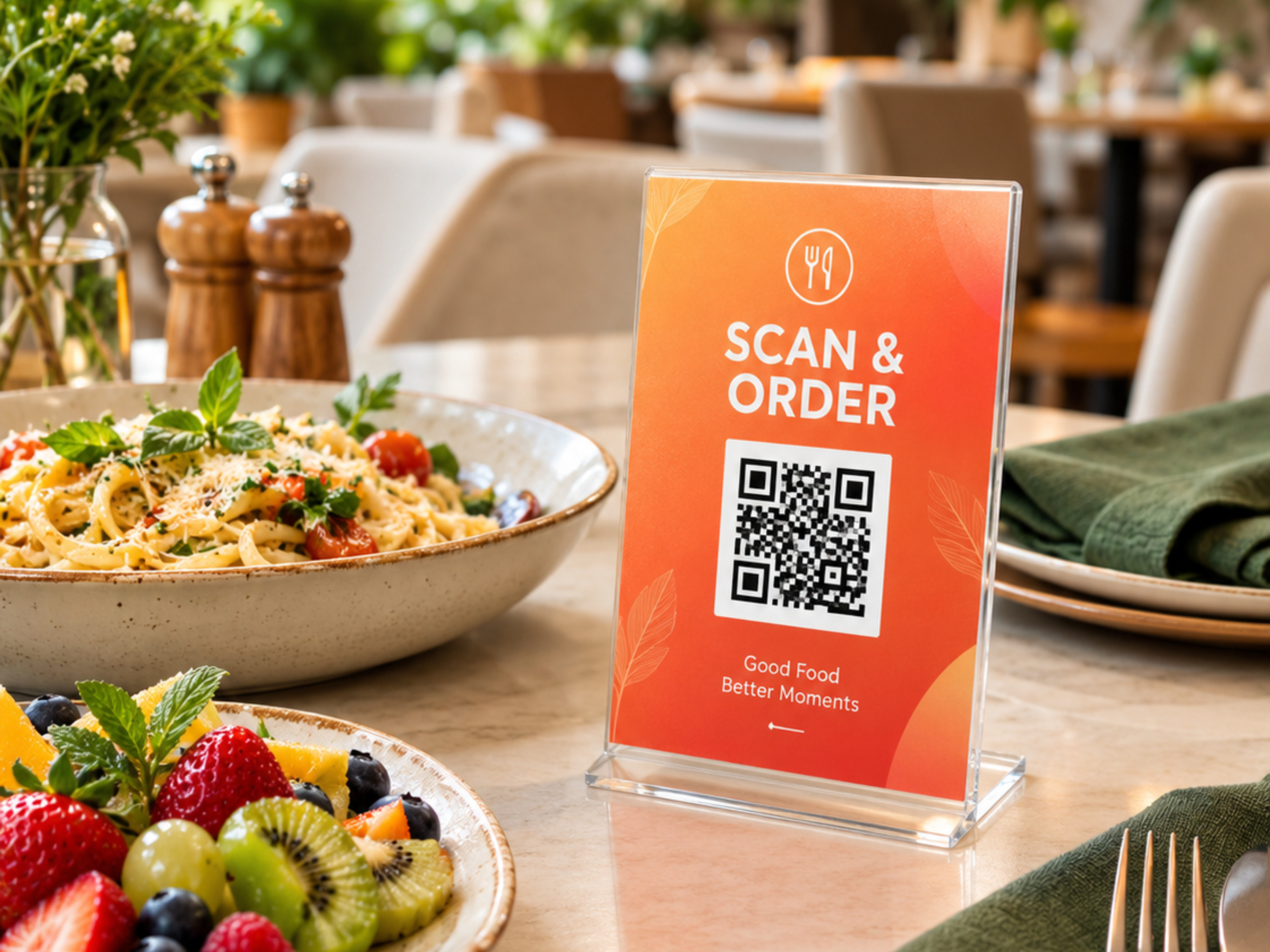
Once everything is working correctly, print your QR code and place it where customers can easily see and scan it.
You can display it on:
- Restaurant tables.
- Table tents.
- Counter signs.
- Printed promotional materials.
- Takeaway packaging.
Make sure customers understand what the QR code does.
5. Static vs. Dynamic QR Codes: Which Is Better for Restaurant Menus?
When creating a QR code, it's important to understand the difference between static and dynamic QR codes.
Static QR Codes
A static QR code stores the destination information directly in the code.
For a restaurant menu, this usually means encoding the URL of the menu webpage or PDF.
Its main advantage is simplicity. However, if the destination URL changes, you'll generally need to generate and distribute a new QR code.
Dynamic QR Codes
A dynamic QR code uses an intermediate redirect address.
This allows the destination URL to be changed without replacing the printed QR code.
Some dynamic QR code services also provide scan statistics, such as the number of scans and approximate locations.
However, these features may require a subscription, and the QR code may depend on the continued availability of the provider's service.
Which One Should You Choose?
For restaurants with a stable menu URL, a static QR code may be sufficient.
If you frequently change your menu destination or need scan analytics, a dynamic QR code may be more appropriate.
Regardless of the option you choose, make sure the destination remains accessible to customers.
6. Best Practices for Using QR Codes in Restaurants
Creating a QR code is only the first step. Its placement, readability, and overall customer experience are equally important.
Here are some practical recommendations:
Use a Clear Instruction
Add a message such as "Scan Here to View Our Menu" so customers immediately understand what to do.
Make It Easy to Scan
Avoid placing QR codes in dark areas, on curved surfaces, or behind reflective materials.
Choose an Appropriate Size
A QR code should be large enough to scan comfortably from the customer's seating position.
Keep the Menu Mobile-Friendly
Make sure text, photographs, and prices are easy to read on smaller screens.
Provide an Alternative
Not every customer wants to use a smartphone. Keeping a few printed menus available is a good way to accommodate everyone.
Check the QR Code Regularly
Test the code periodically to ensure the menu link still works and that the information is up to date.
Protect Your Customers
Use a trusted website, avoid suspicious redirects, and ensure the menu does not require unnecessary personal information.
7. Common Mistakes to Avoid
Some mistakes can make QR code menus frustrating for customers.
Here are a few things restaurant owners should avoid:
- Using a QR code that links to a private or inaccessible document.
- Printing the QR code too small.
- Choosing colors with insufficient contrast.
- Linking to a menu that is difficult to navigate on mobile devices.
- Forgetting to update outdated prices and product information.
- Changing the menu URL without updating a static QR code.
- Removing all printed menu alternatives.
- Placing the QR code somewhere customers cannot easily reach or scan it.
A QR code should make the customer experience easier, not create additional obstacles.
8. Frequently Asked Questions (FAQ)
Can I create a QR code for a PDF menu?
Yes. You can upload your PDF menu to a publicly accessible platform, such as Google Drive, and generate a QR code using its URL. Make sure the sharing permissions allow anyone with the link to view the document.
Do customers need an application to scan a QR code?
Most modern smartphones can scan QR codes directly using their built-in camera. A separate application is generally unnecessary.
Can I change my menu without creating a new QR code?
Yes, provided the QR code points to a stable URL. You can update the content at that address without changing the code itself. Dynamic QR codes also allow destination changes through their redirect service.
Can I use the same QR code for every table?
Absolutely. You can print multiple copies of the same QR code and distribute them throughout your restaurant. Every copy will direct customers to the same digital menu.
Are QR code menus free?
They can be. Creating a static QR code is often free, and hosting a digital menu can also be inexpensive or free, depending on the platform you choose.
Do QR codes expire?
A basic static QR code does not have an inherent expiration date. However, the destination link may stop working if the website, document, or hosting service becomes unavailable. Dynamic QR codes may also depend on the provider's subscription and service availability.
Can I update my restaurant menu after printing the QR code?
Yes. If the QR code points to a webpage or document at a stable URL, you can update its content without changing the printed QR code. This is one of the main advantages of using digital menus.
Conclusion
QR code digital menus offer a practical way for restaurants to modernize their customer experience while simplifying menu management.
With just an online menu and a QR code generator, businesses can make their menus accessible from virtually any smartphone.
Whether you operate a small café, a neighborhood restaurant, or a larger food business, implementing a QR code menu can be a simple step toward a more convenient and flexible service.
Start by preparing your digital menu, choosing a suitable hosting option, and generating your QR code.
Create Your Digital Menu QR Code
Ready to create a QR code for your restaurant menu? Use our free online QR Code Generator to create your code in just a few seconds.
Generate Your QR Code – FreeTags

Fastools Team
Hellow, I´m Fastools Team
